Blog
What Is Self-Healing Infrastructure? A Practical Guide
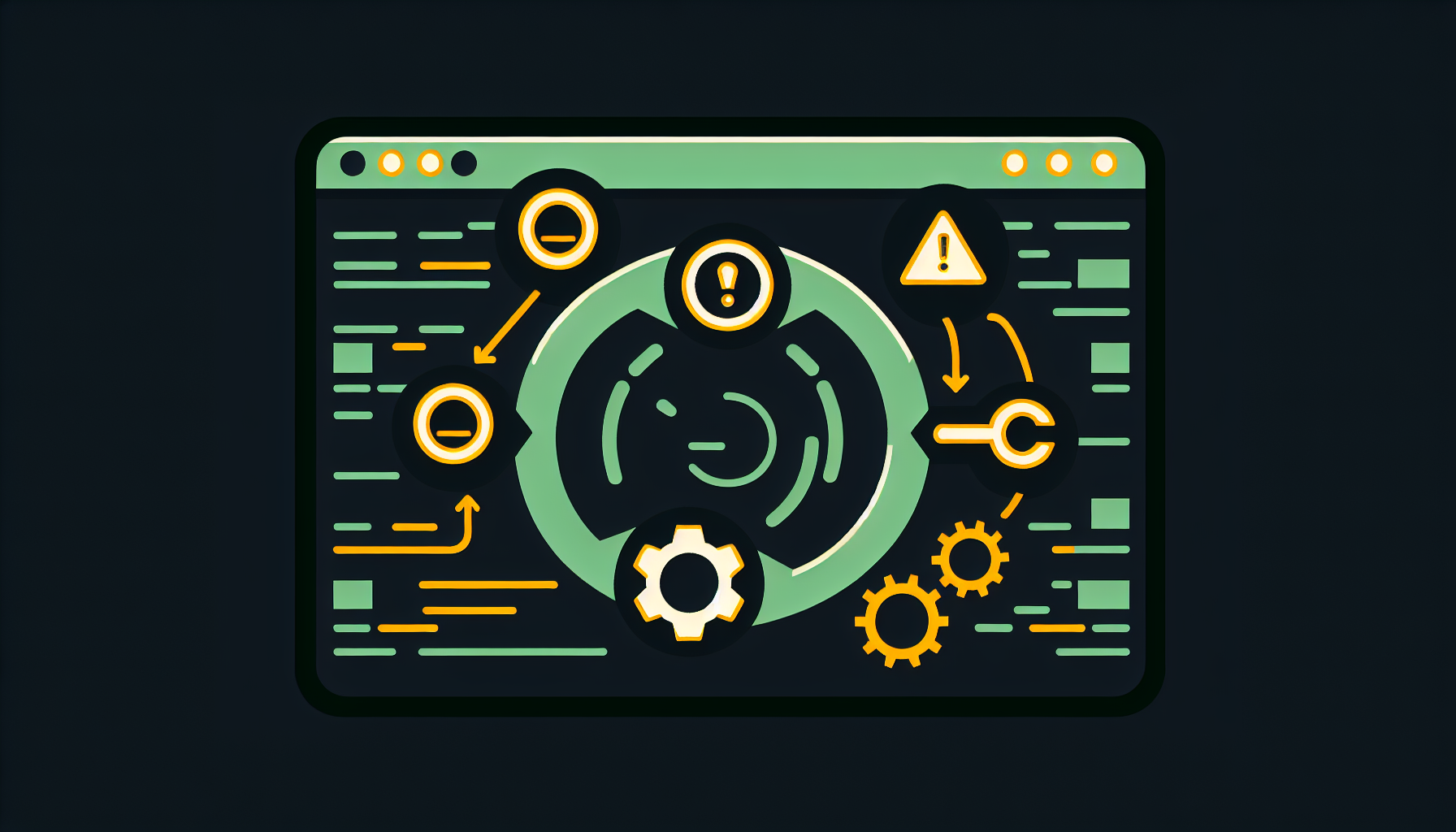
Table of Contents
The term “self-healing infrastructure” gets thrown around a lot in marketing materials. Usually it means “we send you an alert and maybe restart something.” That’s monitoring with a script attached. Actual self-healing is more than that.
Self-healing infrastructure detects a problem, determines the correct fix, executes it, verifies it worked, and notifies you after the fact. The human isn’t in the loop — the human reviews the loop after it runs.
This isn’t science fiction. It’s a well-understood engineering pattern that combines monitoring, alert routing, and automated remediation. Here’s how it actually works.
The four stages of self-healing
Every self-healing system follows the same basic pattern:
1. Detect
Something needs to notice the problem. This is the monitoring layer — metrics collection, health checks, log analysis, and synthetic probes. The key distinction from traditional monitoring: detection needs to be fast and specific enough to trigger automated action.
“CPU is high” isn’t actionable. “The web server process is consuming 95% CPU due to a known memory leak” is. The better your detection, the more precisely you can respond.
In practice, this means collecting metrics from every host (CPU, memory, disk, network, service state), running health checks against every endpoint (HTTP, TCP, DNS), and watching logs for known error patterns. The tooling for this is mature and well-understood — the hard part isn’t the technology, it’s getting comprehensive coverage.
2. Classify
Not every alert needs the same response. A crashed container needs a restart. A full disk needs cleanup. A failed DNS resolution needs investigation, not a blind restart.
Classification maps each detected problem to a known remediation. This is where the engineering happens. You build a mapping: alert X triggers playbook Y against host Z. The mapping is deterministic — no guessing, no AI deciding what to do. If you’ve seen the problem before and you know the fix, codify it.
The important corollary: if you haven’t seen the problem before, don’t try to auto-fix it. Escalate to a human. Self-healing systems are not a replacement for engineering judgment. They’re a way to offload the known, repetitive problems so engineers can focus on the novel ones.
3. Remediate
Run the fix. This is usually an Ansible playbook, a shell script, or an API call — something deterministic that’s been tested and verified to solve the specific problem.
Good remediation has guardrails:
- Blast radius limits: Don’t restart more than N services in a window
- Cooldown periods: Don’t run the same fix twice in 10 minutes
- Dependency awareness: Don’t restart the database while an app migration is running
- Rollback capability: If the fix makes things worse, revert
The biggest mistake people make with automated remediation is being too aggressive. Start conservative. Auto-restart a crashed container? Sure, that’s low risk. Auto-apply a kernel patch in production? Maybe let a human decide that one.
4. Verify
After running the fix, check that it actually worked. This seems obvious, but a surprising number of automation systems skip this step. They run the fix, mark the alert as resolved, and move on. If the fix didn’t take — if the container crashed again 30 seconds later, or the disk filled back up — you’re back to square one with no visibility.
Verification means re-running the same health check that triggered the alert. Did the service come back? Is the disk below threshold? Is the endpoint responding? If yes, close the alert and log the resolution. If no, escalate — the automated fix wasn’t sufficient.
What self-healing doesn’t mean
A few common misconceptions:
It doesn’t mean zero human involvement. Humans design the detection rules, write the remediation playbooks, and review the logs. The system handles execution; humans handle design and oversight.
It doesn’t mean unpredictable behavior. The best self-healing systems are repeatable and auditable. You should be able to look at any automated action and trace exactly why it happened, what it did, and what the result was. Predictability is a feature, not a limitation.
It doesn’t mean you never get paged. Novel problems, cascading failures, and anything outside the known-fix mapping still requires human attention. Self-healing reduces your alert volume by handling the routine; it doesn’t eliminate alerts entirely.
It doesn’t mean set-and-forget. The system needs maintenance — new alert rules as your infrastructure evolves, new playbooks for new failure modes, and regular review of what’s being auto-fixed versus what’s being escalated. A self-healing system that isn’t updated becomes a liability.
Getting started
If you want to build this yourself, here’s the minimum viable architecture:
- Metrics collection — agents on every host reporting CPU, memory, disk, network, and service state
- Alert rules — thresholds for the basics: disk, CPU, memory, service health, certificate expiry
- Alert routing — grouping and deduplication so cascading failures don’t flood you
- Remediation engine — a layer that maps each alert type to its known fix and executes it
- Verification — re-check after each remediation to confirm the fix took
- Notification — tell someone what happened, after the fact
Start small. Pick your three most common overnight alerts and automate fixes for them. Get the full detect-fix-verify loop working for those three cases. Then expand from there.
The OpsKern approach
We took this pattern and built a managed service around it. Instead of each MSP building their own monitoring stack, writing their own playbooks, and maintaining their own remediation engine, we provide the full stack as a service.
Your servers get monitored. Known problems get fixed automatically. You get a dashboard showing what happened and why. Your team focuses on the problems that actually need their expertise — not restarting containers at 3 AM.
Interested? See our packages or contact us.