Blog
A Fresh Look: Why We Redesigned Everything
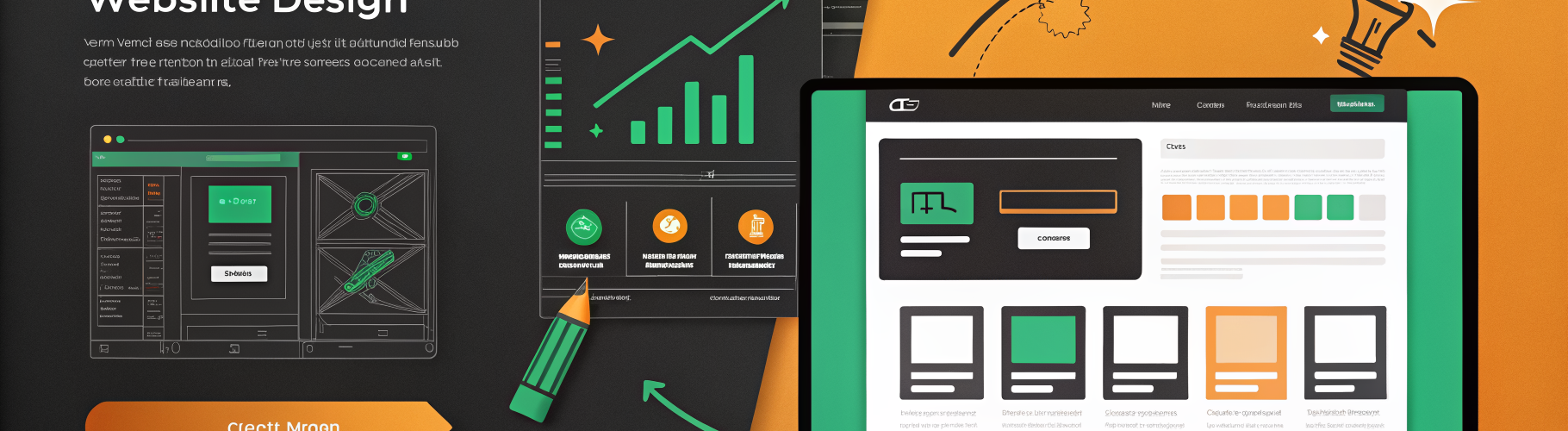
Table of Contents
A friend looked at the old site and said, “I can tell this is good, but I have no idea what you actually do.” She manages servers for a 12-person company. She is exactly who we built this for. And the site lost her in three seconds.
The old design was built by engineers for engineers — dark theme, dense text, technical jargon front and center. It worked for the people who already understood the problem. It failed everyone else.
The new design
The website now uses a clean light theme that manages to be technical without being intimidating. The key changes:
- Light by default, dark mode available. Most people browse during the day. A light theme is easier to scan, easier to read, and feels more approachable. Dark mode is one click away for those who prefer it.
- Amber accent throughout. We settled on a single brand color — a warm amber that runs through every button, link, and highlight. One color, used consistently, is more recognizable than a palette of five.
- Mobile-first navigation. The old nav was an afterthought on small screens. The new version has a proper mobile menu, touch-friendly targets, and responsive layouts that actually work on tablets.
- Honest metrics. Every number on the site now matches production reality. No rounding up, no aspirational figures.
The blog overhaul
The blog got the biggest upgrade. Every post now has:
- A sidebar table of contents that follows you as you scroll. Long posts are easier to navigate when you can see the structure at a glance.
- Previous and next navigation at the bottom of every post, so readers can move through the archive without going back to the index.
- Related post suggestions based on shared tags, so a reader interested in monitoring sees other monitoring posts.
- Custom artwork for each post. We replaced the generic stock-photo banners with unique illustrations that actually relate to the content.
- FAQ schema markup on posts that answer common questions, which helps with search visibility.
- Newsletter signup integrated naturally into the reading flow, not as an intrusive popup.
Why bother?
There is a temptation in infrastructure tooling to treat the website as an afterthought. The product is the important part, right?
Not quite. The website is how most people will first encounter what we do. If it looks like it was thrown together in an afternoon, that says something about how we approach our work. If it is clean, honest, and easy to navigate, that says something too.
We also updated our Terms of Service to reflect reality. The portal is live. The service is real. The legal language should match.
What did not change
The content strategy stays the same: development progress posts showing what we shipped, curated industry articles when they are relevant, and no marketing fluff. We would rather publish one honest post per week than five posts full of buzzwords.
The new design just makes that content easier to find, easier to read, and easier to share. Sometimes the best infrastructure improvement is not infrastructure at all.