Blog
Real-Time Dashboards, Accessibility, and 4,600 Tests
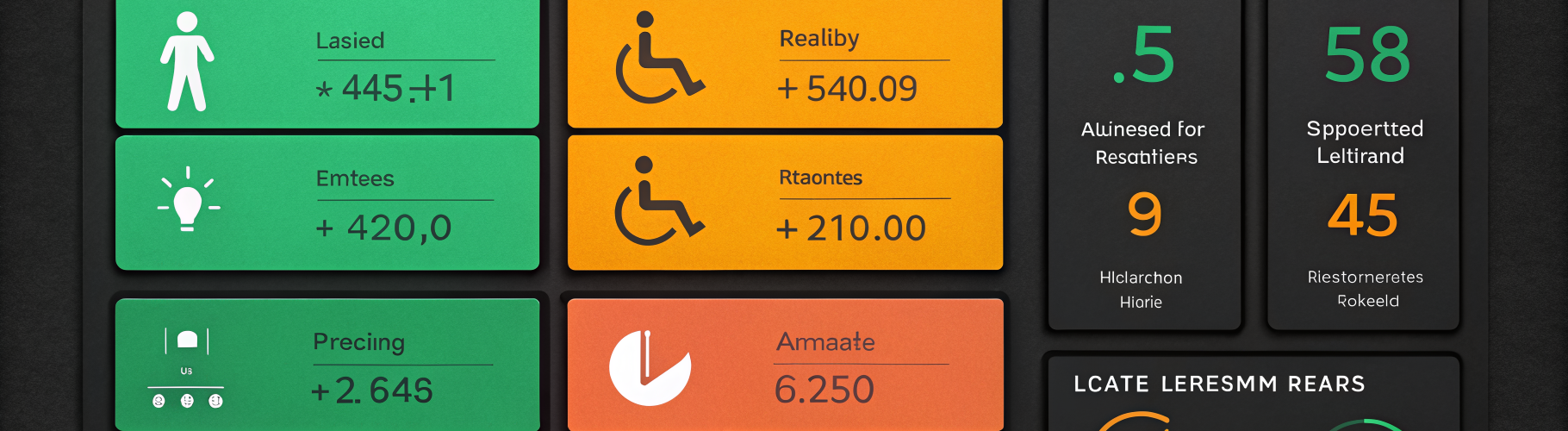
Table of Contents
Tuesday morning, a customer refreshed their portal dashboard and saw the same alert count they’d seen ten minutes earlier. The number was wrong — two alerts had fired and resolved while the page sat there showing stale data. Nobody was down. But the portal was lying by omission, and we didn’t catch it until we watched someone use it.
That kicked off a week of portal work across three fronts: live updates, accessibility, and test coverage.
Live-updating dashboards
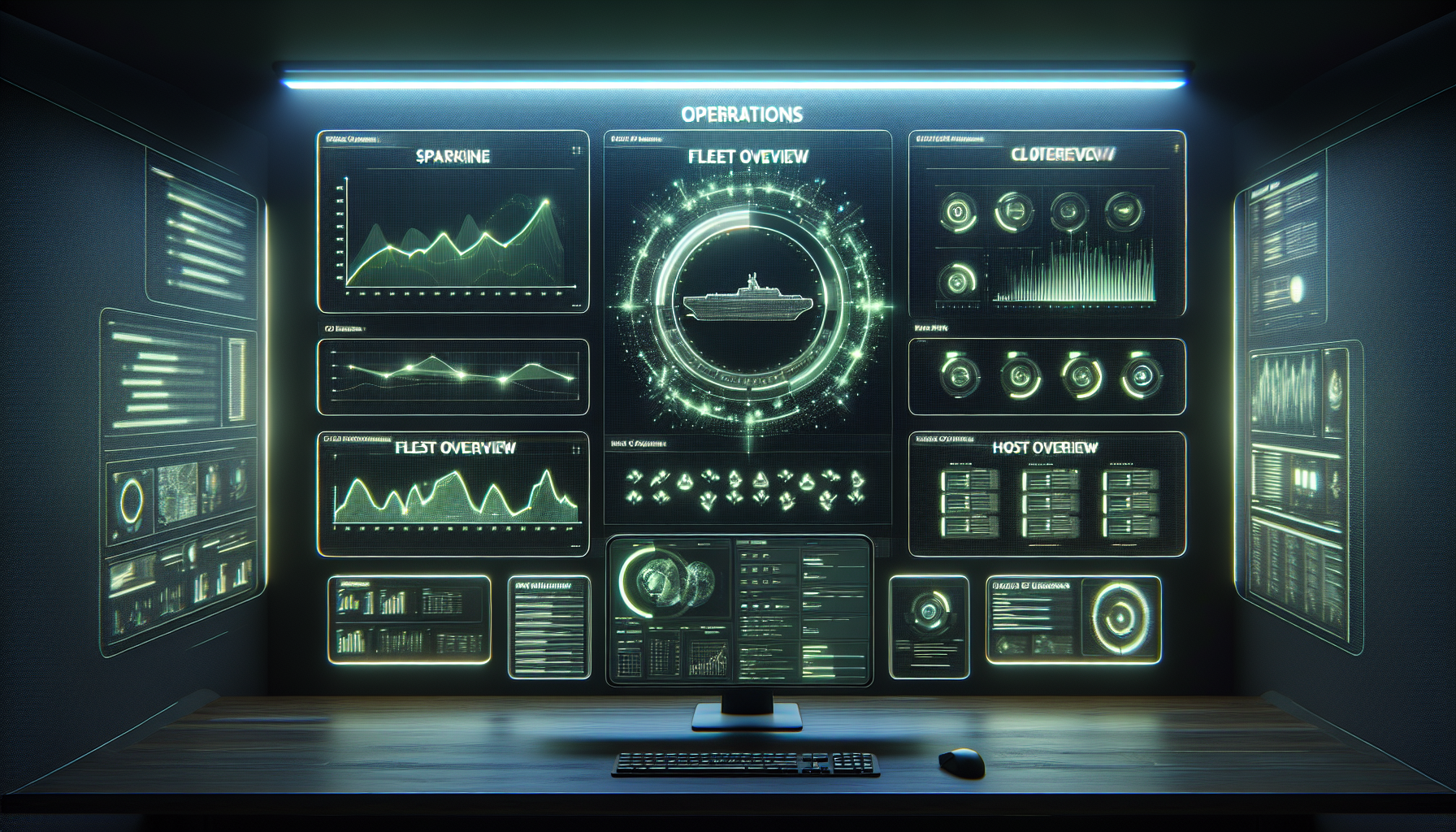
Every widget on the portal dashboard now updates in real time. When an alert fires, the alert count changes immediately. When a host goes down, the host grid reflects it within seconds. When a remediation starts running, a live banner shows what is being fixed and how long it has been running.
The host status grid shows every managed host as a colored tile — green for healthy, amber for degraded, red for down, grey for unreachable. Changes appear within seconds of detection. The active alerts count and list update as alerts fire and resolve. You can watch an alert appear, see the system respond, and watch it clear — all without touching the browser.
A “problems solved” counter shows how many issues were automatically remediated in the last 30 days. This is the number that justifies managed infrastructure — problems fixed before you noticed them. Alongside it, a three-stage pipeline visualization shows Detect, Analyze, and Remediate in real time when the system is actively working on something.
Accessibility
We ran a WCAG accessibility pass across every page. The biggest change: status indicators no longer rely on color alone. Each state uses a different shape — circles for healthy, squares for down, diamonds for unknown — with text labels backing up every visual cue. A red-green colorblind user sees the same information as anyone else.
Dynamic regions use ARIA live attributes so screen readers announce changes as they happen. Every action works via keyboard. Touch targets meet minimum size for tablet use. The sidebar collapses to icons on narrow screens with badge overlays for counts. None of this is heroic engineering. It is the baseline that should have been there from the start.
The empty state problem
We noticed something while testing the dashboard with no alerts firing: it looked broken. An empty table, zero counts, a blank remediation log. There was no way to tell whether the system was healthy or the data feed had failed.
We added explicit “all clear” states. When there are no active alerts, the dashboard shows a green checkmark with “All systems healthy” instead of an empty table. When the remediation pipeline has nothing to do, it says so clearly. The absence of problems is now communicated as confidently as their presence.
4,600 tests
The portal is backed by 4,601 automated tests. Every endpoint, every widget, every access control check, every edge case we could think of.
This week we fixed 102 test failures that had accumulated during rapid development. Not 102 bugs in production — 102 assertions in the test suite that had drifted from the code as features were added. Fixing them means the test suite is trustworthy again. When a test fails tomorrow, it means something actually broke, not that the test was out of date.
The test suite covers:
- Authentication and authorization. Every endpoint validates that the right user has the right permissions for the right tenant.
- Tenant isolation. Customer A cannot see Customer B’s data. This is tested for every data endpoint.
- Widget rendering. Every dashboard widget renders correctly with real data, empty data, and error states.
- Live update streams. Real-time connections deliver correct events to the correct subscribers.
- Tier gating. Free-tier customers see the right subset of features. Paid customers see everything their plan includes.
When we say the portal works, we mean 4,601 automated tests agree.
What it looks like
The free tier gets a welcome card with a feature comparison and a three-step getting started wizard. Paid tiers get the full real-time dashboard with every widget live-updating.
Both versions share the same amber-accented design, the same accessibility standards, and the same test coverage. The difference is scope, not quality.
If you are managing infrastructure and want a portal that shows you what is happening right now — not what was happening 30 seconds ago — this is what we built. And if the dashboard ever says “All Clear,” you can trust it, because 4,601 tests are checking.